What Is an AI Receptionist? How It Works and Who It's For
November 7, 2026 · AI Search Authority
What Is an AI Receptionist? How It Works and Who It's For
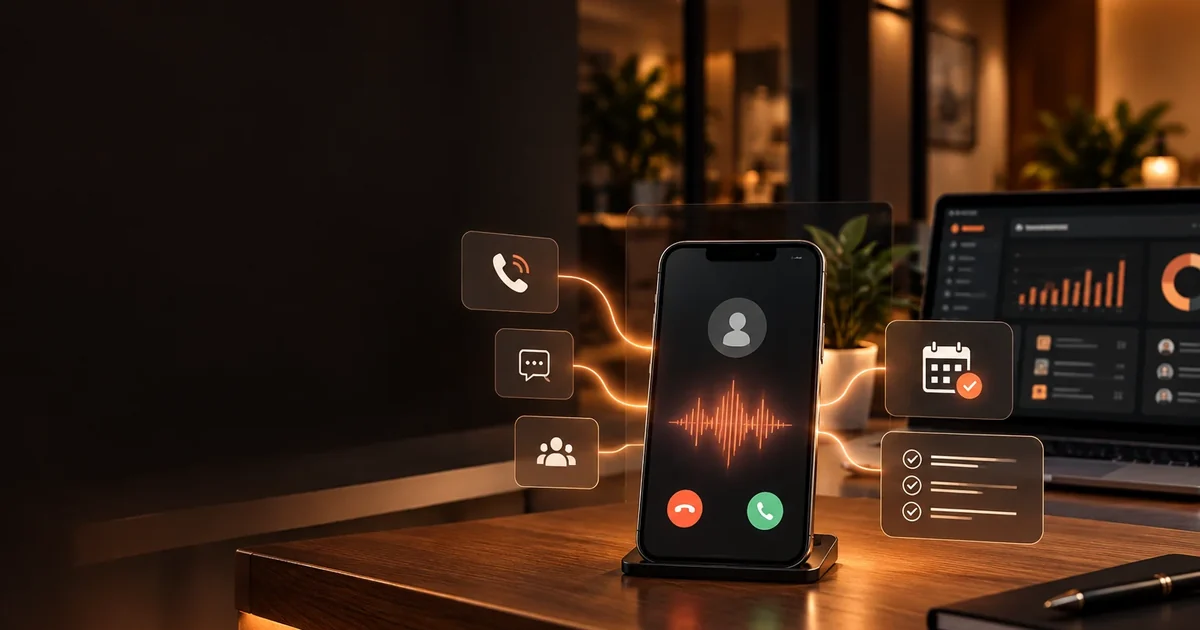
An AI receptionist is software that answers your business phone in a natural-sounding voice, asks the questions you have set, books appointments on your calendar, and brings in a person when a call needs one. It picks up at any hour, so the call that arrives while you are on a job still gets handled.
Key takeaways
- It is a phone-answering system that holds a real conversation, not a phone menu and not a website chatbot. It follows the script and rules you give it.
- The useful comparison is not "AI versus one employee." It is AI versus the roughly 128 hours a week your front desk sits empty.
- It cannot quote prices you have not set, diagnose anything, or give medical, legal or financial advice. Those calls go to you.
- A handoff to a person only works if a person picks up, so decide who that is before you switch it on.
- It suits owners who miss calls because their hands are busy. It suits owners whose callers all expect to reach them personally much less.
What is an AI receptionist, and how is it different from voicemail or a phone menu?
Voicemail takes a message and says nothing back. A phone menu says "press 2 for service" and makes the caller guess which box they belong in. An AI receptionist talks. The caller says "my water heater is leaking into the garage," and the system understands that as an urgent plumbing call rather than a general question about hours.
Behind the voice sits a set of instructions about your business: what you do, where you work, what to ask, which calls are urgent, when to book a time and when to ring a person. Think of it as a front-desk script read aloud by something that never gets tired or goes to lunch.
It is also different from the chat window on your website. Same idea, different door. The phone is where the urgent, high-value calls arrive, which is why it is usually where an owner first notices the leak.
And the leak is rarely at 2 a.m. It is at 12:15 when the desk is at lunch, at 4:50 when the last customer is still in the chair, and all day Saturday. Most owners who have run a phone line know exactly which hours those are.
What happens on a call, step by step?
Here is one call from start to finish. It is a heating company, 6:40 on a cold Tuesday evening, ten minutes after the office closed.
- The call arrives. The caller dials the number painted on your truck. Your phone system forwards the call to the AI, either for every call or only when you are busy, do not answer, or are closed. The caller dials the same number they always have. How call forwarding to an AI receptionist is set up takes about as long as changing a voicemail setting.
- It answers in your business name. "Thanks for calling Northside Heating and Air."
- It listens for the reason. Not "press 1." The caller just says what is wrong.
- It asks your questions. Name, address, what the system is doing, whether anyone in the house is at risk. You wrote that list, not the software.
- It sorts the call. Inside your service area or outside? Emergency or routine? Existing customer or new?
- It acts. It books a slot in your calendar (Google Calendar or Cal.com), or it does a warm transfer: it calls your on-call tech, tells him who is on the line and why, and then connects the caller.
- It reports. A plain-English summary lands in your dashboard so you can read it over coffee instead of replaying a voicemail.
A short version of that evening:
Caller: My furnace quit and it's 28 degrees out.
AI: I'm sorry, that's a rough night for it. I'll get this to the team right now. Can I have your name and the address?
Caller: Dana Ruiz, 41 Maple Court.
AI: Thanks, Dana. Is the unit completely silent, or is it making a noise? And if you ever smell gas, leave the house and call 911 first.
Caller: Silent. No smell.
AI: Good. Our on-call technician can take this now. I'm going to tell him what you've told me and connect you. Please stay on the line.
The wording belongs to you. The shape does not change much: greet, listen, ask, sort, act, report. The last step before the transfer is a warm transfer, which simply means the person on the other end already knows the situation, so Dana does not have to explain it twice.
One caution about step six. A transfer needs somebody to answer. If your tech's phone is at the bottom of a toolbag, the caller is back to waiting. Settle the fallback with the person setting up your system before the first real call, not after.
What can an AI receptionist not do?
This is the section most vendors skip, so here it is plainly.
- It cannot make up an answer you have not given it. If you never told it your after-hours fee, it should not guess. A good setup has it say a person will confirm the price.
- It cannot diagnose or advise. The caller whose ceiling is sagging needs a qualified roofer to look at it, not a confident voice. For dental, legal, medical, vet and similar offices, it handles intake and scheduling only. No medical, legal or financial advice, ever.
- It cannot settle a dispute. An angry caller about an invoice should end up with a note for a named person, or a transfer if you want one.
- It cannot greet someone walking through your door. It lives on the phone line.
- It cannot show up. It will book the visit. Somebody still has to make it.
- It will not hear every call perfectly. A caller shouting over a table saw or a bad cell connection may have to repeat something. A person would too, but a person can say "hang on, let me go outside."
- It does not work if the forwarding is not set up correctly. The phone network and your carrier matter. Nobody should promise you it behaves identically on every carrier.
None of this makes the tool weak. It means the job needs boundaries, the same way a new hire at a front desk does on day one.
How does an AI receptionist compare with a human receptionist?
Start with the week. It has 7 days of 24 hours, which is 168 hours. A full-time person works about 40 of them.
- 168 hours ÷ 40 hours = 4.2 people to cover every hour, before anyone takes a vacation or calls in sick.
- Add holidays, sick days and breaks and the staffing need lands around four to five full-time people. That is a rough division, not a statistic.
Now price it with the only outside number worth using, from the US Bureau of Labor Statistics: the median receptionist pay in May 2025 was $18.27 an hour, or $38,010 a year.
- $38,010 × 4.2 people = about $159,640 a year in wages for around-the-clock coverage.
- $38,010 × 5 people = $190,050.
- Even one person alone is $38,010 ÷ 12 = about $3,168 a month, and that is wages only, before payroll taxes, benefits or training.
Almost no small business should buy 168 hours of receptionist. The honest gap is the other 128 hours (168 minus 40), plus lunch and the moments the desk is on another call.
| Human receptionist | AI receptionist | |
|---|---|---|
| Hours covered | About 40 a week per person | Every hour, including nights and holidays |
| Sick days and vacation | Yes | No |
| Judgment on odd situations | Strong | Limited to the rules you set |
| Walk-in visitors | Yes | No |
| Consistency | Varies with the day and the person | Asks the same questions the same way each time |
| Cost to cover the empty hours | Several salaries | A monthly plan |
A person is better at reading a situation. The AI is better at being there. If you are also weighing a remote human service, there is a direct comparison of an AI receptionist and a virtual receptionist.
Who benefits most from an AI receptionist, and who should not bother?
It tends to pay off for owners whose work puts them out of reach of the phone:
- A plumber under a sink, a roofer on a ladder, an electrician in an attic.
- A dental or chiropractic front desk that is busy checking patients in at the exact moment the phone rings.
- A real estate agent in the middle of a showing.
- A property manager who gets maintenance calls all night.
- A one- or two-person shop where the owner is also the technician, the estimator and the bookkeeper.
The pattern is the same everywhere. The phone rings, nobody can pick up, and the caller tries the next name in the search results.
It is a poor fit, or at least not worth the trouble, in these cases:
- You already answer nearly every call and cannot name one you lost last month.
- Your callers expect you personally. A consultant with six clients who all have your cell number does not need a screen between them and you.
- The calls are mostly complicated negotiations. If every call is a 25-minute conversation about scope and price, a front-desk script has little to grab onto.
- Your calls are life-safety emergencies. Those need licensed human triage, and a phone assistant should only route them.
- Nobody can take a transfer. If you will not answer when the AI rings you, you have bought a faster way to take messages. That is fine, but know it going in.
A quick test: write down the last ten calls you missed. If most of them were routine questions, booking requests or new-customer inquiries, the tool fits. If most were complex or personal, it does not.
What does an AI receptionist cost?
Our plans run from $50 to $150 a month, month to month, with no setup fee and 25 cents for each extra minute. The right tier depends on how many minutes your calls add up to, not on how big the business feels. The full cost breakdown with worked examples shows how to estimate your minutes and which plan to pick.
Frequently asked questions
Can an AI receptionist replace my front desk person?
Not usually, and that is rarely the goal. Your front desk person greets visitors, handles judgment calls and keeps the office moving. The AI takes the calls they cannot reach: lunch, after close, the second line ringing while the first is in use. Many offices run both, with the team taking calls by day and the AI covering nights, weekends and lunch.
Which calendars can it book into?
It books into Google Calendar and Cal.com. If you keep appointments somewhere else, the call summary still tells you who called and what they want, and you enter it yourself.
What if a caller speaks Spanish?
The Basic plan has an English-speaking agent. The Pro and Enterprise plans include English and Spanish agents. If a meaningful share of your callers speak Spanish, that decides the plan before price does.
How long does setup take?
Typically two to four business days. Most of that time is writing down your service area, your questions and what counts as urgent. If you have never put those into words, start now; it is the part that makes the system sound like your business.
Do I have to change my phone number?
No. You keep the number your customers already know and forward calls to the AI, all calls or only when you are busy, do not answer or are closed.
If you would rather hear it than read about it, call the free demo line at (888) 814-1662 and ask it the questions your own customers ask. The demo section of our homepage is another way to try it.
Get found in AI search
Our AI Visibility plan gets your business recommended across ChatGPT, Gemini, Perplexity & Google AI — one-time $350.
Explore AI Visibility